
The Siglent blog

Blog

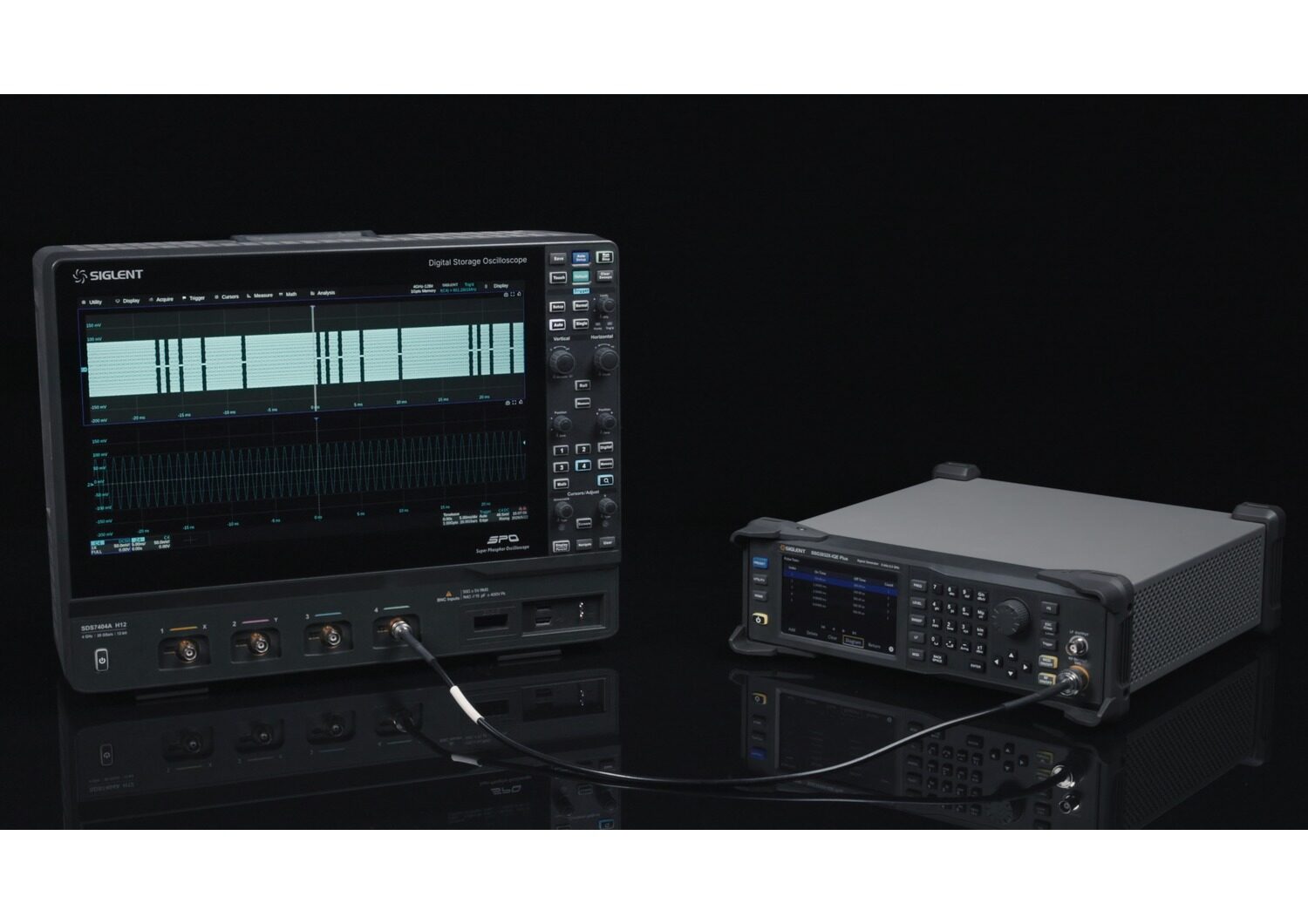
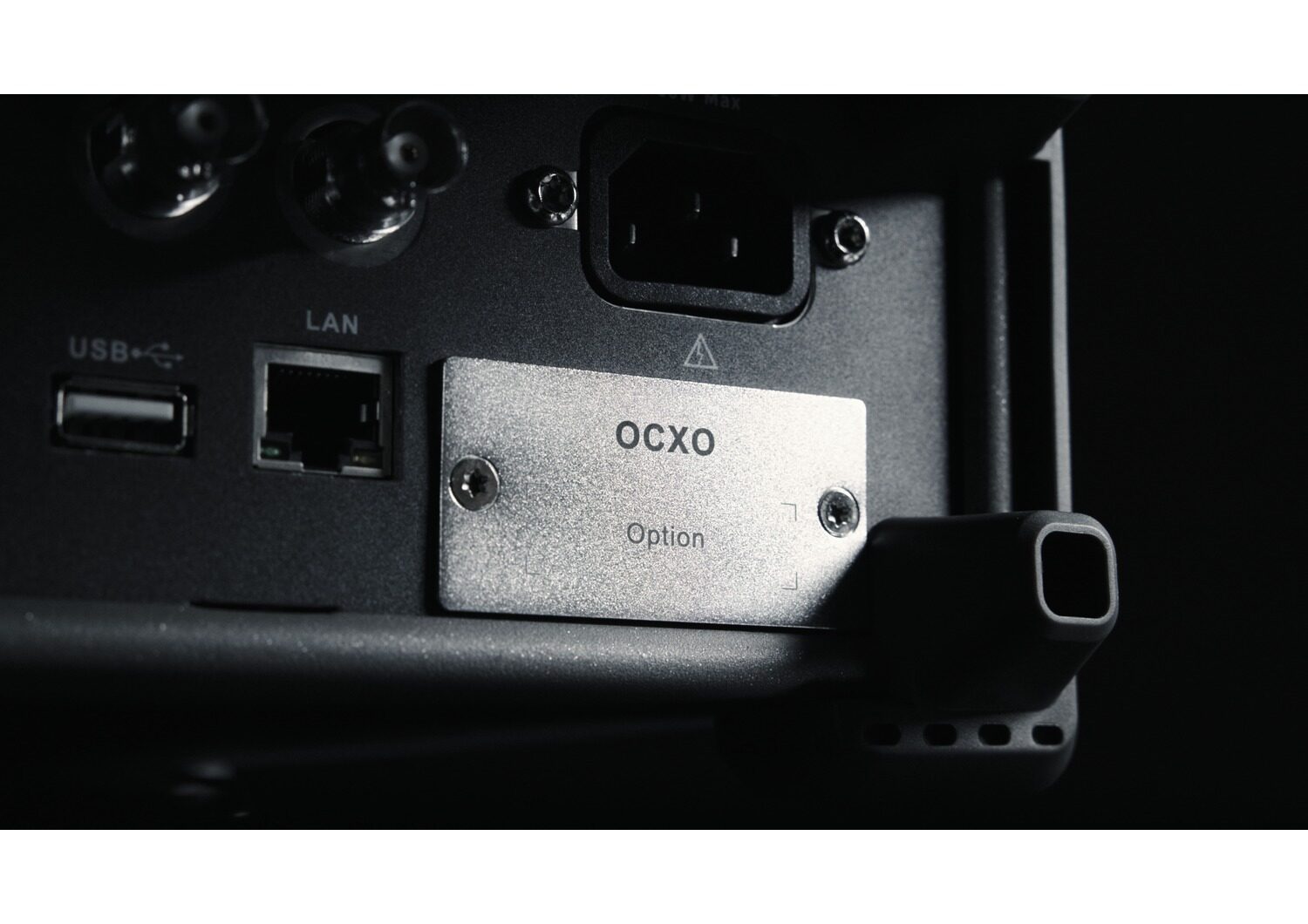
The SSG3000X Plus series of RF signal generators operates from 9 kHz to 3.2 GHz, providing a maximum output power of +20 dBm. This series offers an optional high-stability OCXO reference that improves phase noise performance and significantly enhances pulse-signal fidelity, resulting in cleaner output and greater stability. Standard features of the SSG3000X Plus include AM, FM, and PM analogue modulation; pulse modulation; and USB power-meter control, plus support for custom pulse sequences and external IQ modulation. With a user-friendly 5-inch capacitive touchscreen, the SSG3000X Plus is well-suited for a variety of applications, including research and development, manufacturing, education, and maintenance. It delivers high-quality, stable, and professional RF signal solutions.

Key Features and Performance

  • 9 kHz to 2.1 GHz or 3.2 GHz frequency range, depending on model
  • 0.01 Hz frequency setting resolution
  • Output level from -110 dBm to +13 dBm, with up to +20 dBm typical maximum output
  • Phase noise as low as -117 dBc/Hz at 1 GHz, 20 kHz offset (typ.)
  • AM, FM and PM analogue modulation with internal, external or combined modulation sources
  • Standard pulse modulation with single and double pulse generation
  • Optional pulse train generator for configurable pulse sequences
  • Frequency and level step/list sweep functions with multiple trigger modes
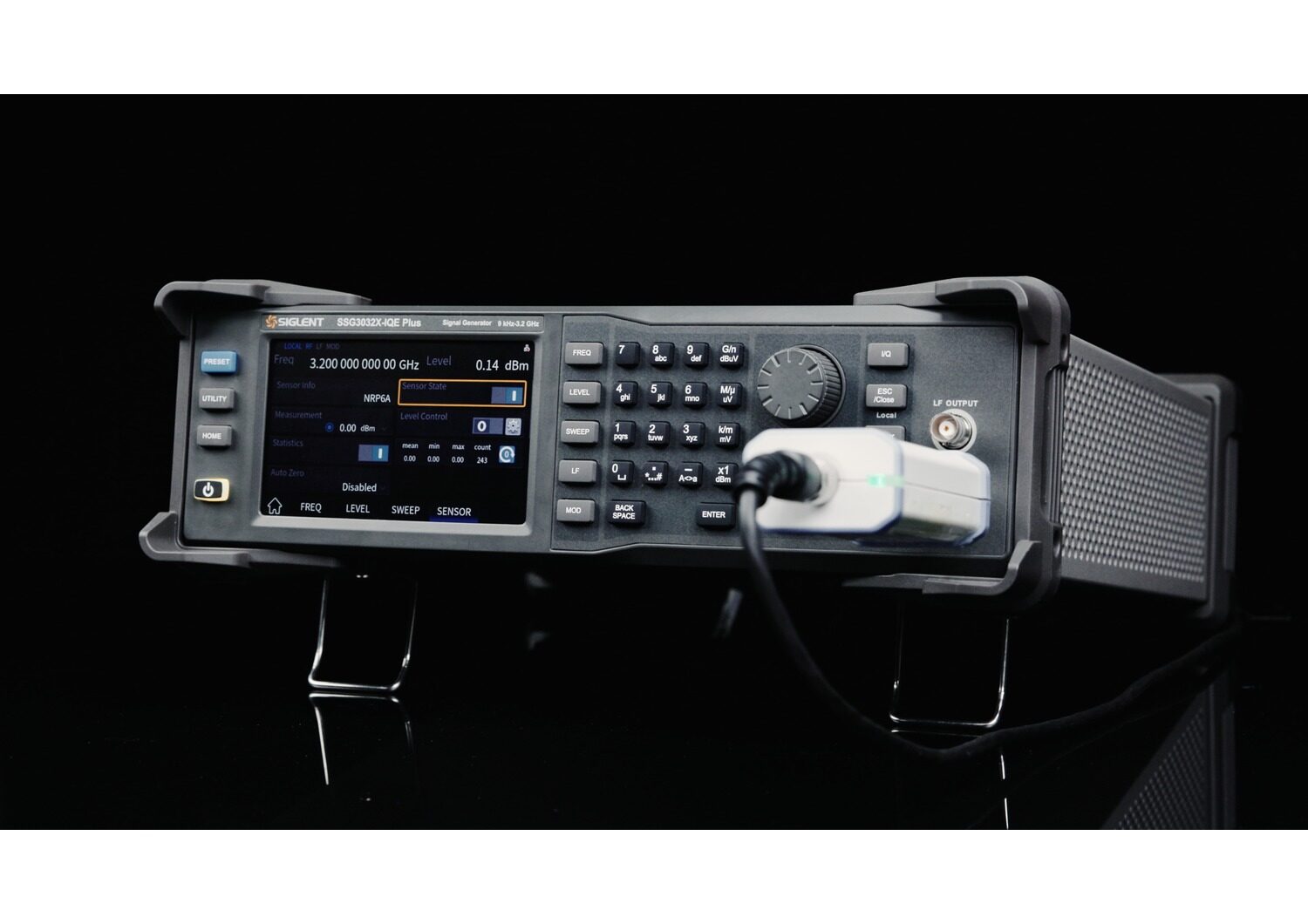
  • USB power meter measurement and closed-loop level control
  • Optional high-stability OCXO reference for improved frequency stability
  • External I/Q modulation on SSG3000X-IQE Plus models
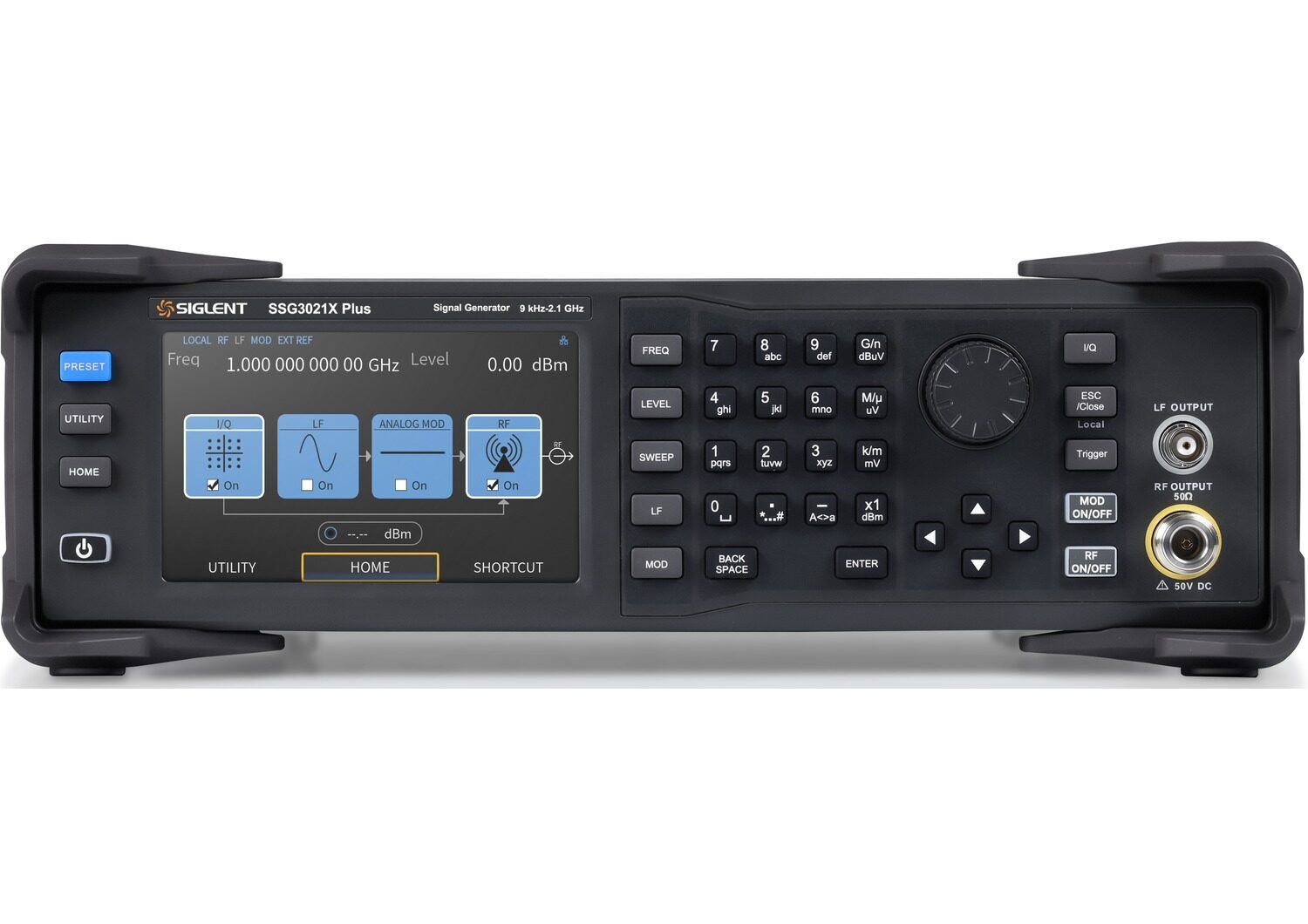
  • 5-inch 800 × 480 capacitive touchscreen
  • USB and LAN interfaces with Web remote control and optional GPIB connectivity

Straightforward Signal Setup

External I/Q Modulation

USB Power Meter Control

SKUImageFrequencyAmplitude Res.Phase Noise @1GHzI/Q ModStockPrice
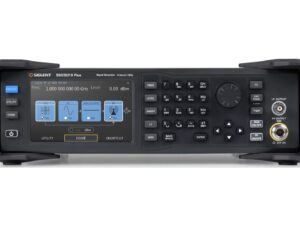
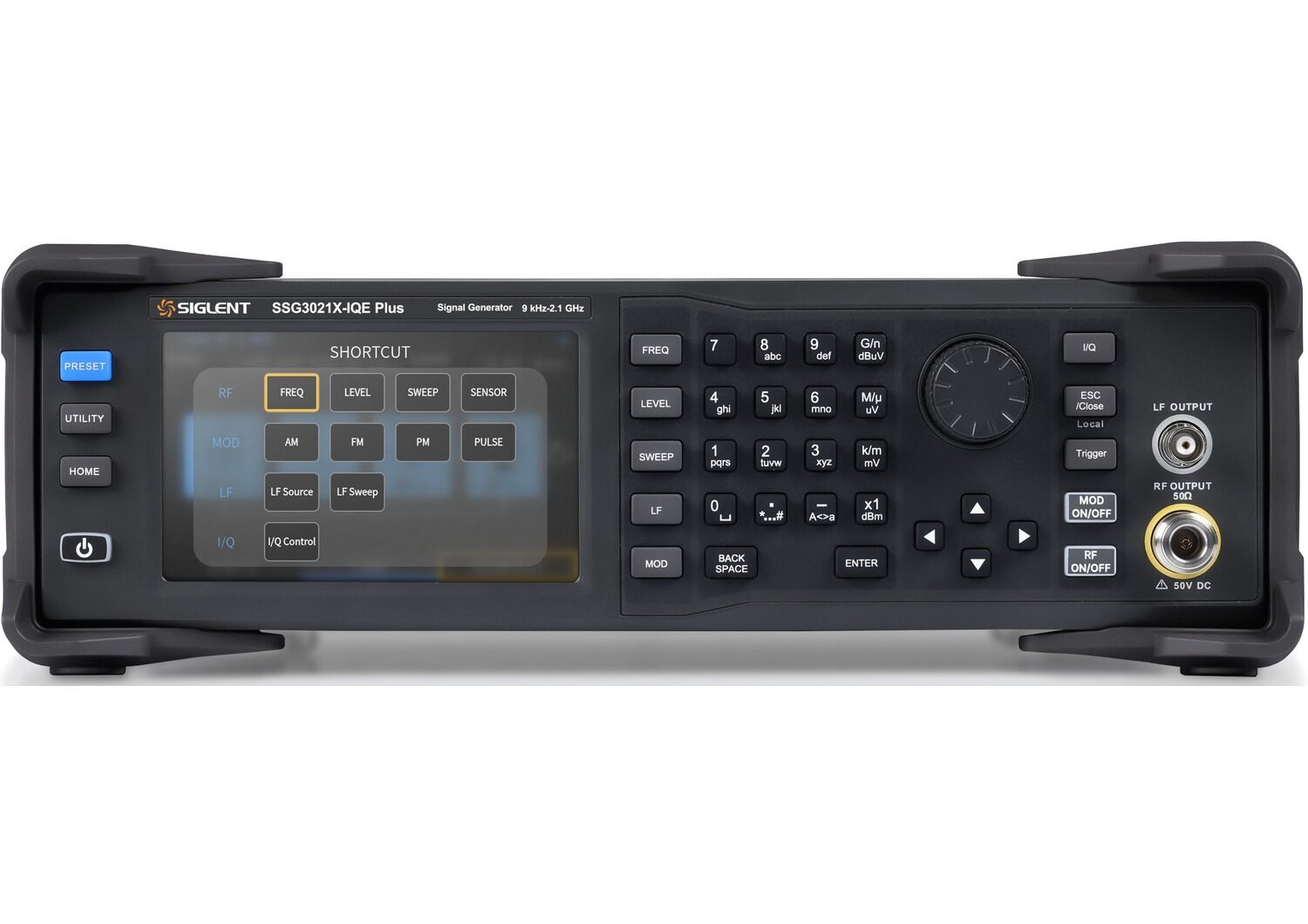
SSG3021X PlusImage of Siglent ssg3021x plus front telonicuk2.1 GHz0.01 dB-117 dBc/HzNoOn Backorder£1,739.00
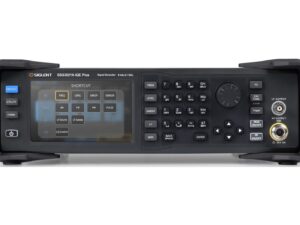
SSG3021X-IQE PlusImage of Siglent ssg3021x iqe plus front telonicuk2.1 GHz0.01 dB-117 dBc/HzYesOn Backorder£3,739.00
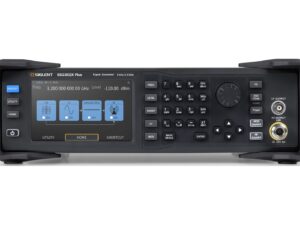
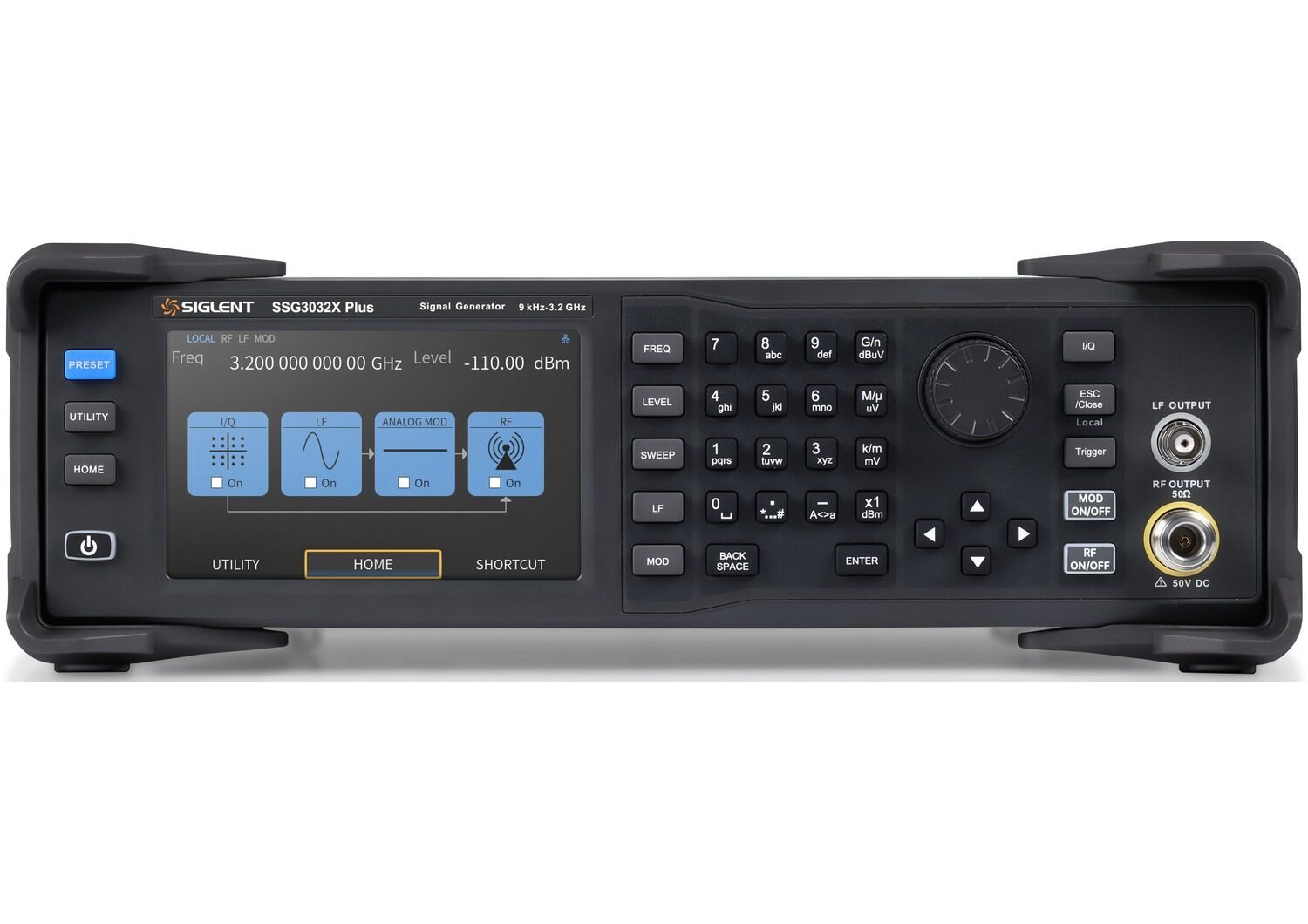
SSG3032X PlusImage of Siglent ssg3032x plus front telonicuk3.2 GHz0.01 dB-117 dBc/HzNoOn Backorder£3,045.00
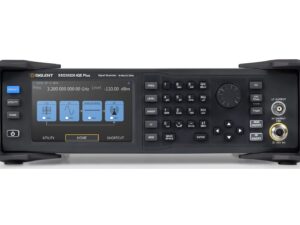
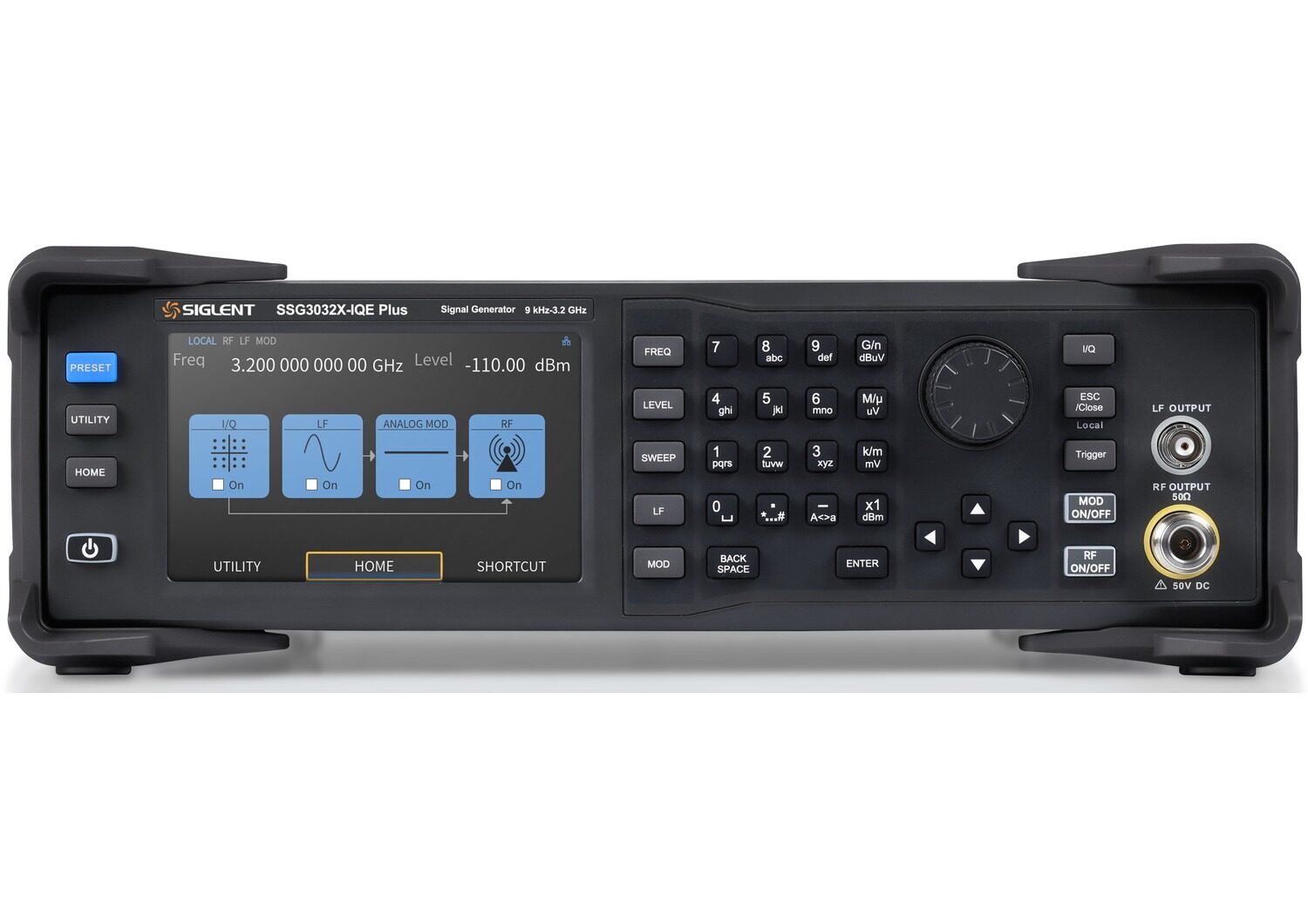
SSG3032X-IQE PlusImage of Siglent ssg3032x iqe plus front telonicuk3.2 GHz0.01 dB-117 dBc/HzYesOn Backorder£5,189.00
See the SSG3000X Plus Series

Anti-spam protection is unavailable. Please contact the site administrator.

How to Shop:

Title Tag (70): The Siglent blog

Description Tag (200): Everything you want to know about Siglent.

Introducing the Siglent SSG3000X Plus RF Signal Generators!

Posted on: September 30th, 2026 by Kane Brady
Image of Siglentssg3000xplus releaseblog thumbnail telonicuk 30/09/2026
The SSG3000X Plus series of RF signal generators operates from 9 kHz to 3.2 GHz, providing a maximum output power of +20 dBm. This series offers an optional high-stability OCXO reference that improves phase noise performance and significantly enhances pulse-signal fidelity, resulting in cleaner output and greater stability. Standard features of the SSG3000X Plus include AM...

Programming Example: Return Peak Table Data with an SSA3000X Spectrum Analyser

Posted on: August 20th, 2021 by James
Programming Example: Return Peak Table Data with an SSA3000X Spectrum Analyser 20/08/2021
The SIGLENT SSA3000X series of spectrum analysers have an on-screen peak detection that can be used to easily show the peak values in a Configure the instrument span, RBW, and amplitude to capture the signals of interest Send “:CALC:MARK:PEAK:TABL ON” Send “:CALC:PEAK:TABL? “ to return the peak table data Here, we show the displayed peak table ...

Programming Example: SSA/SVA analyser screen image capture using Python over LAN

Posted on: August 20th, 2021 by James
Programming Example: SSA/SVA analyser screen image capture using Python over LAN 20/08/2021
Here is a brief code example written in Python 3.4 that uses a socket to pull a display image (screenshot) from a SIGLENT SSA/SVA analyser via LAN and save it to the local drive of the controlling computer. NOTE: This program saves the picture/display image file in the same directory that the .py file is being run from. It will overwrite any existing file that has the same na...

How do I pick the right spectrum analyser for my application?

Posted on: August 20th, 2021 by James
How do I pick the right spectrum analyser for my application? 20/08/2021
Introduction The SIGLENT SSA3000X, SSA3000X Plus and SVA1000X products are based on a similar swept superheterodyne spectrum analyser platform and have very similar starting prices. There are quite a few similarities, but also a few differences that could affect the e...

Build FM NRSC masks for SIGLENT SSA3000X/SVA1000Xs using a Python script

Posted on: August 20th, 2021 by James
Build FM NRSC masks for SIGLENT SSA3000X/SVA1000Xs using a Python script 20/08/2021
Many broadcast applications require monitoring a transmitter and observing the output amplitude vs. frequency. For FM radio applications, a common mask is defined by the National Radio Systems Committee (NRSC) and is commonly referred to as the FM NRSC mask. A very helpful SIGLENT owner, Dan from Alabama Broadcast Services, LLC, built an FM NRSC Mask tool using our original ...

DIY Spectrum Analyser Input Protection

Posted on: August 20th, 2021 by James
DIY Spectrum Analyser Input Protection 20/08/2021
Spectrum analysers like the SIGLENT SSA3000X and SVA1000X series are extremely useful instruments that can provide invaluable insight into broadcast signal performance, transmitter troubleshooting, and interference as well as RF device characterization and EMC testing. But, like other spectrum analysers, they are very sensitive and can be damaged easily, if the proper precautions are not follow...

Testing Open Socket Communications Using PuTTY

Posted on: August 20th, 2021 by James
Testing Open Socket Communications Using PuTTY 20/08/2021
Many instruments include the ability to be controlled via a remote connection to a computer using an Ethernet connection. In many cases, these instruments require a special software library that can help establish and maintain the communications link between the instrument and controlling computer. This can be annoying for a few reasons… the software library is likely to occupy a large amount of...

Testing Intrinsic Safety Barrier fusing and circuitry using an Electronic Load

Posted on: August 20th, 2021 by James
Testing Intrinsic Safety Barrier fusing and circuitry using an Electronic Load 20/08/2021
From Wikipedia: Intrinsic safety (IS) is a protection technique for safe operation of electrical equipment in hazardous areas by limiting the energy, electrical and thermal, available for ignition. The idea is to minimise the risk of fire or explosion by physically eliminating any potent...

Verification of a LAN connection using Telnet

Posted on: August 20th, 2021 by James
Verification of a LAN connection using Telnet 20/08/2021
Automating a test can dramatically increase the productivity, throughput, and accuracy of a process. Automating a setup involves connecting a computer to the test instrumentation using a standard communications bus like USB or LAN and then utilising code entered via a software layer (like LabVIEW, .NET, Python, etc..) to sequence the specific instrument commands and process data. This process n...

Open Socket LAN connection using Python

Posted on: August 20th, 2021 by James
Open Socket LAN connection using Python 20/08/2021
Automating a test can dramatically increase the productivity, throughput, and accuracy of a process. Automating a setup involves connecting a computer to the test instrumentation using a standard communications bus like USB or LAN and then utilising code entered via a software layer (like LabVIEW, .NET, Python, etc..) to sequence the specific instrument commands and process data. In this note, ...